
On this page
An economic-calendar time is usable only when its date and time zone are known. Convert releases to Malaysia time explicitly rather than assuming the screen uses your location.
Read the selected zone first
Identify the calendar's time-zone setting and whether it uses a named city or a fixed UTC offset. A fixed offset does not necessarily follow daylight saving rules. Also check the release date: conversion can move an event into the next calendar day. A screenshot missing the setting is not enough to reconstruct the schedule confidently.
Two conversion examples
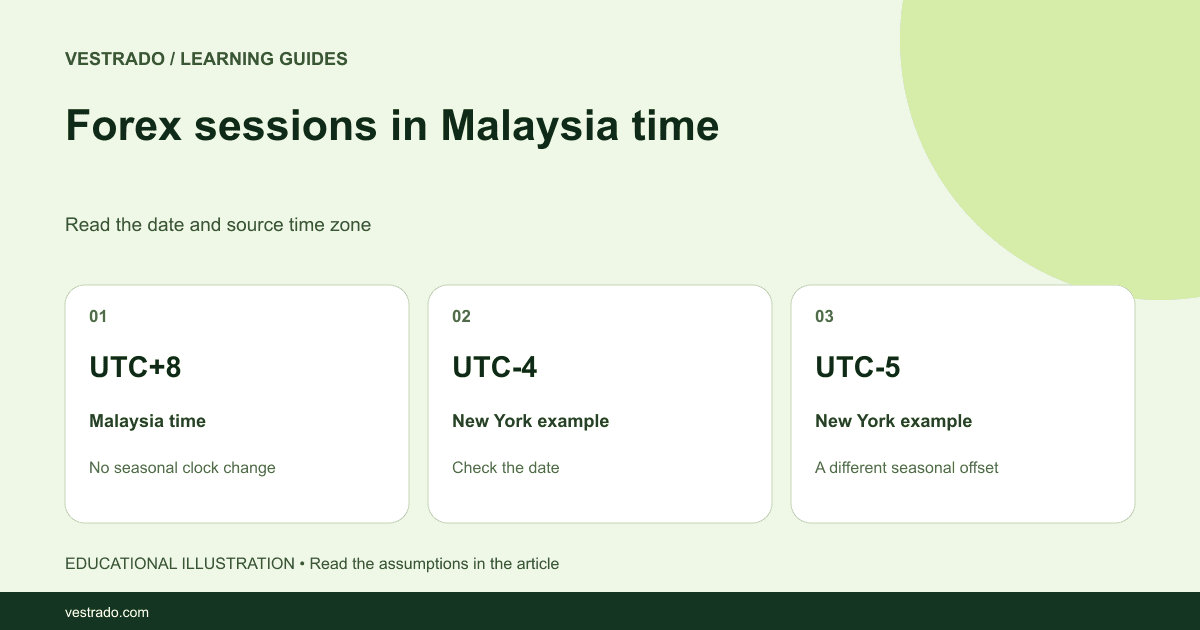
An event explicitly scheduled at 13:30 UTC corresponds to 21:30 UTC+8 on the same date. An event described as 08:30 New York local time needs a date: it corresponds to 20:30 Malaysia time when New York is UTC-4, and 21:30 when New York is UTC-5. Those examples are conversions, not claims that a particular release is scheduled for those times.
Include the date when the conversion crosses midnight
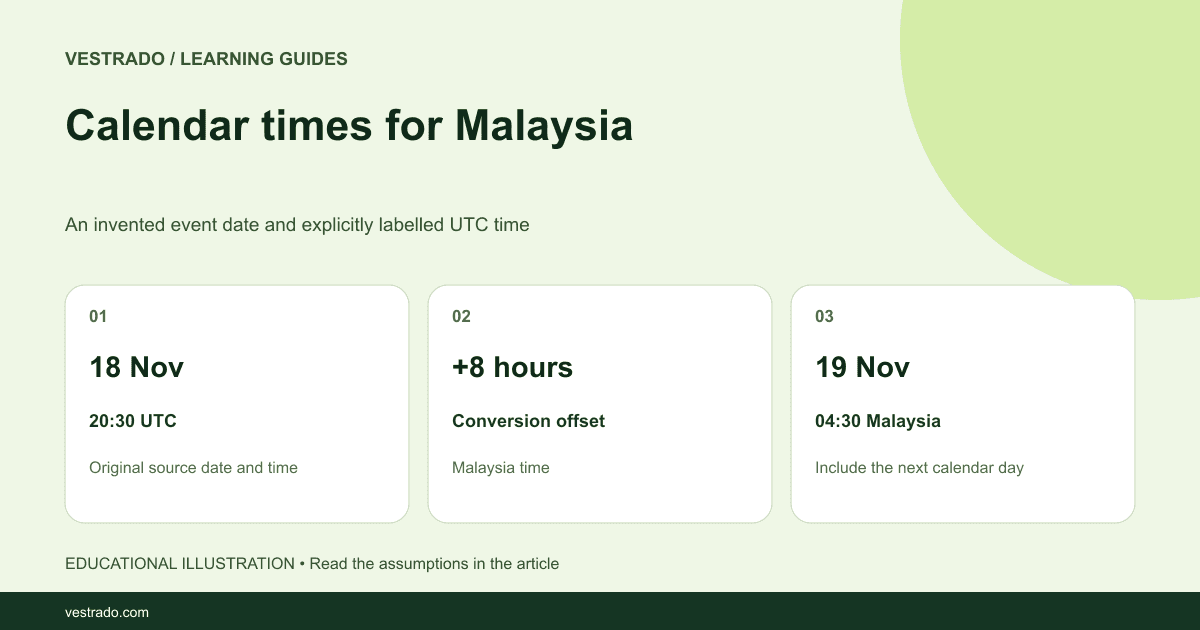
For a hypothetical event explicitly labelled 20:30 UTC on 18 November, adding eight hours gives 04:30 Malaysia time on 19 November. Writing only 04:30 without the new date can put the event on the wrong day in a journal. These are invented event details, not a release announcement.
An offset label and a city label are also different inputs. A fixed UTC-5 setting remains five hours behind UTC; it does not automatically become New York daylight time when that city moves to UTC-4. If two screens disagree by an hour, inspect their selected zones and dates before deciding one contains an incorrect release time.
Use a short conversion record
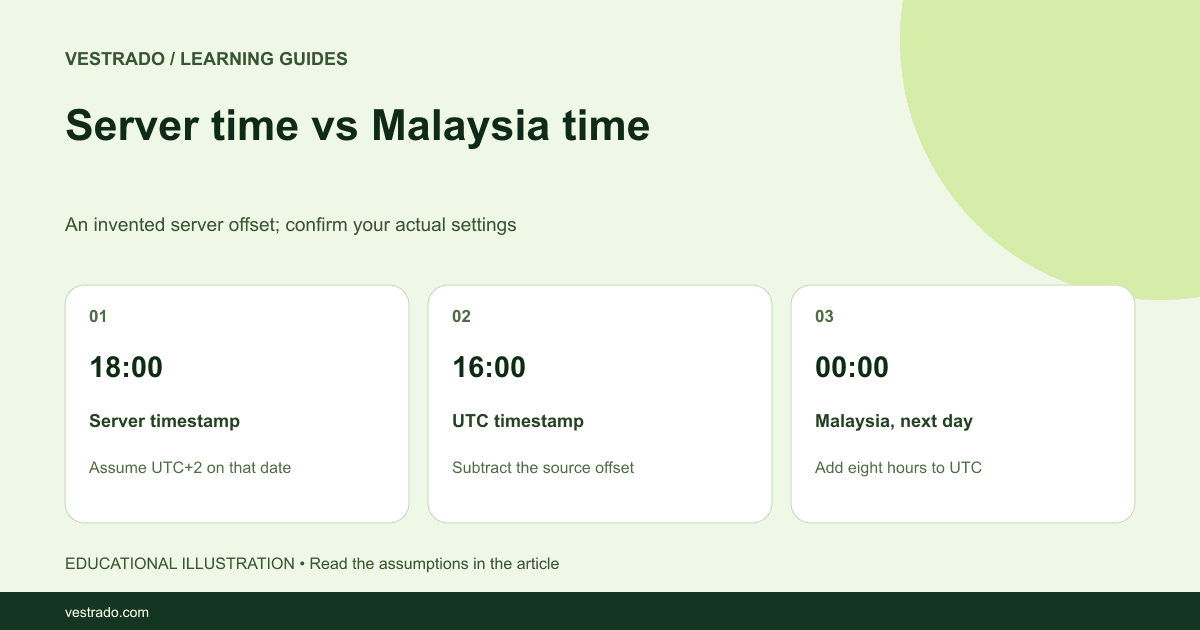
Record the event name, issuer URL, published source date and time, source zone, converted Malaysia date and time, and when you last checked it. Keep an earlier record if the issuer later postpones or corrects a release. Where a time is marked tentative or not yet announced, preserve that uncertainty instead of supplying an invented clock time. A calendar's impact label is not a measured probability or a directional signal. Separate the event schedule from the instrument's own trading session and from the trading server clock.
Check the issuer and your instrument
Use the issuer's current release schedule to resolve a disputed time, then compare with the calendar. Releases can be postponed and instrument hours can differ. Record the date, source zone, Malaysia conversion and any later correction. Use the economic calendar for observation and keep a journal of assumptions. A scheduled event does not establish the direction or magnitude of a market reaction.
Frequently Asked Question
Does an 08:30 event always appear at the same Malaysia time?
Not if 08:30 means local time in a city that changes its UTC offset. Identify the city and date, then perform the conversion.
Further reading
Compare the current account conditions and leverage and margin information alongside this explanation. Examples are hypothetical, not live prices, Vestrado contract specifications or recommendations for your account.
Trading forex and CFDs involves risk. This educational article does not establish that a product, position size or strategy is suitable for you.


Start your trading journey
Choose flexible trading conditions based on your experience, strategy and trading goals.