
On this page
MT5 server time and Malaysia time can differ. Identify the server clock before interpreting a candle timestamp, a trade-history entry or a calendar screenshot.
Use three separate labels
Keep server time, device time and event-source time distinct. The platform's server configuration is not determined by where your laptop is located. A named time zone can also change its offset across the year. Do not infer a permanent broker offset from one comparison or from an unlabelled chart screenshot.
Convert an explicit offset
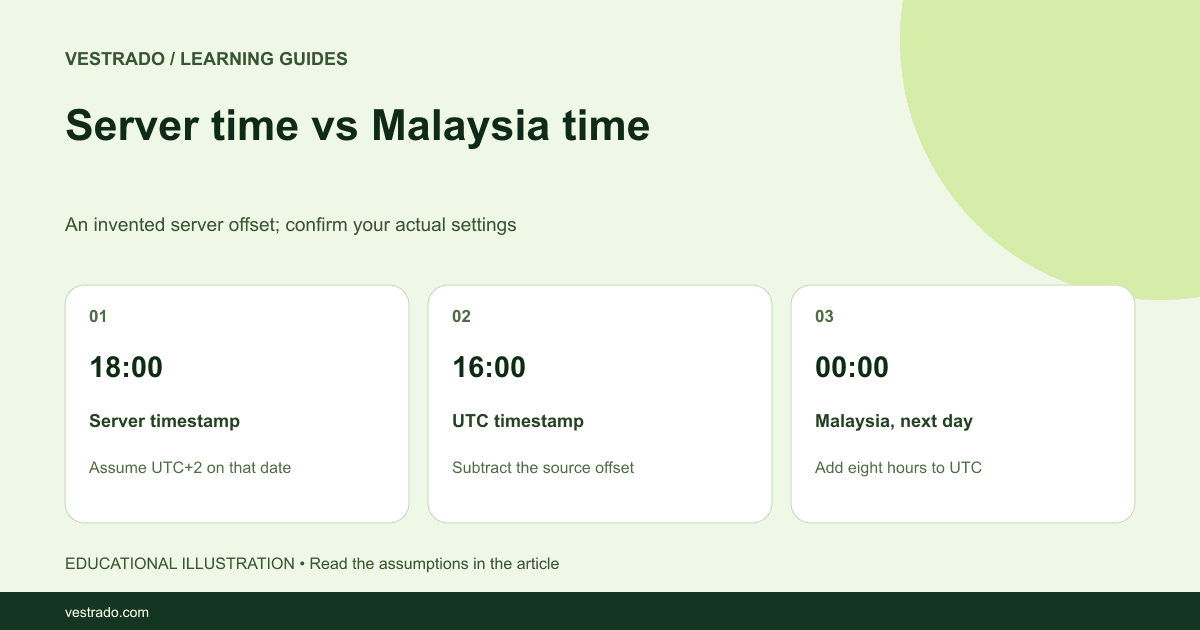
If a hypothetical server is UTC+2 on a particular date, Malaysia UTC+8 is six hours ahead. A server timestamp of 18:00 would therefore be 00:00 the following Malaysia day. If that server later changes to UTC+3, the difference is five hours instead. This example does not describe Vestrado's server configuration; confirm the actual server information through the provider.
Preserve both sides of a date change
Suppose an invented server record is 18 November at 18:00 with an explicitly confirmed UTC+2 offset. Subtracting two hours gives 16:00 UTC on 18 November; adding eight gives 00:00 Malaysia time on 19 November. If the same displayed server date and time instead used UTC+3, the result would be 23:00 Malaysia time on 18 November. The missing offset changes both the hour and, in this example, the calendar date.
Do not decide which offset applies by choosing the version that makes a chart look familiar. Store the original record and the confirmed offset for that date. If only an observation of the server clock is available, record when it was observed and how it was compared; do not silently extend that observation to every month of the year.
Keep event schedules separate from chart timestamps
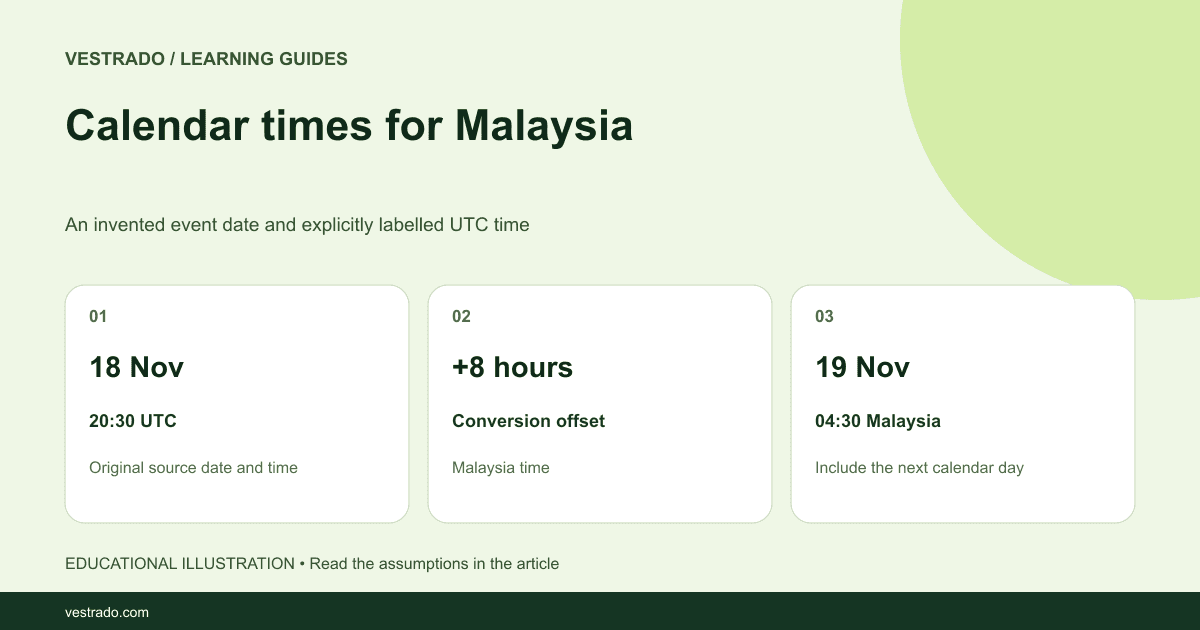
A calendar set to Malaysia time, an issuer announcing local release time and a chart labelled with server time can refer to the same moment using different clock readings. Convert each through an explicitly known offset or dated zone rule. Changing a device clock does not supply the missing server configuration. The calendar conversion guide explains how to preserve date and zone information when recording scheduled releases.
Keep a verifiable journal
For a practice trade, store the original timestamp, its stated zone or offset, the converted Malaysia time and the conversion date. Never overwrite the original record with the converted value alone. Check MT5 setup and the calendar as separate systems: their clocks may not have the same setting. If the server offset is unknown, ask support rather than guessing from price patterns.
Frequently Asked Question
Does changing my phone clock change the trading server?
Do not assume it does. The device and server are distinct clocks, and the relevant platform view must be checked individually.
Further reading
Compare the current account conditions and leverage and margin information alongside this explanation. Examples are hypothetical, not live prices, Vestrado contract specifications or recommendations for your account.
Trading forex and CFDs involves risk. This educational article does not establish that a product, position size or strategy is suitable for you.


Start your trading journey
Choose flexible trading conditions based on your experience, strategy and trading goals.